The most popular advice about remote executive assistant jobs is incomplete: learn calendar management, become comfortable with Microsoft Office, and apply everywhere. That approach produces task-focused applications for a role that now demands judgment, documentation, confidentiality, technology fluency, and reliable overlap with a U.S. executive's working hours.
For professionals in Latin America, the opportunity is real, but so is the standard. You're not competing only on years of administrative experience. You're proving that you can control information, protect executive time, communicate clearly across borders, and use AI without exposing sensitive data or creating new risks.
The Reality of Modern Remote Executive Support
A remote executive assistant role is judged less by how many tasks you can complete and more by how well you keep an executive operating across tools, time zones, and incomplete information. In a distributed company, inbox cleanup and meeting scheduling are baseline work. What gets you hired is judgment. You need to spot priorities early, resolve routine issues without waiting for permission, document decisions clearly, and keep work moving when the executive is offline.
The role still includes classic administrative responsibilities. The U.S. Bureau of Labor Statistics overview of executive-support occupations estimated approximately 502,800 executive secretary and executive administrative assistant positions in the United States in 2024. That occupational base includes remote-capable work such as calendar and travel coordination, meeting preparation, document management, communication, and confidential support.
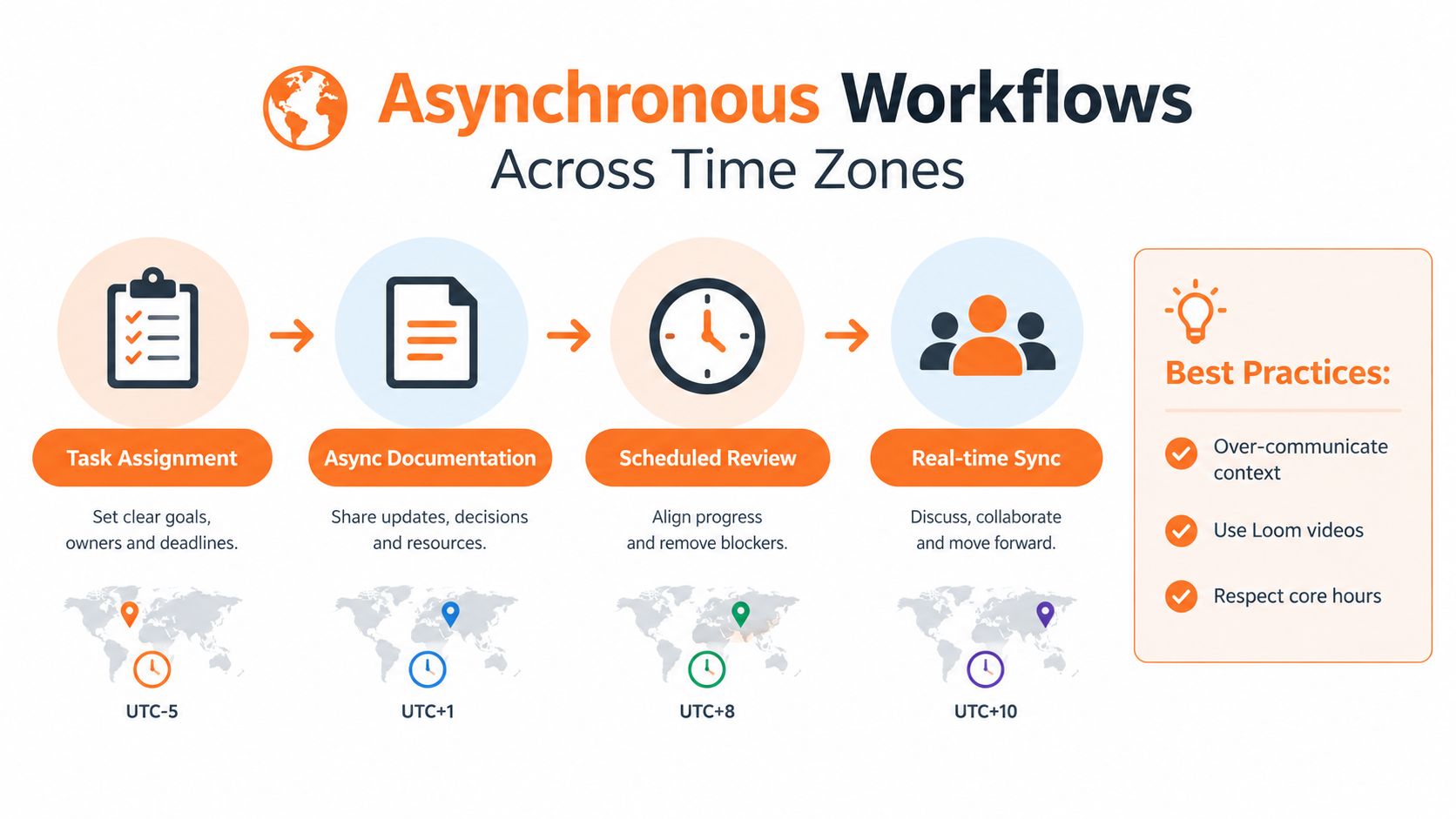
What changed is the environment. A remote EA may support a U.S. executive who shifts between Zoom calls, Slack threads, and shared documents while working with clients or teammates in different countries. Decisions cannot stay in someone's head or get buried in chat. They need to be visible, traceable, and easy to act on. Your job is to bring order to scattered requests by tracking owners, deadlines, dependencies, and next actions.
A modern EA controls information flow: owners, deadlines, dependencies, and next actions.
What executives need from a remote EA
A dependable remote assistant protects executive attention in practical ways:
- Triage: Sort requests by urgency, business impact, confidentiality, and whether executive approval is required.
- Handoffs: Leave concise written context so another person can continue the work without repeating questions.
- Decision records: Capture what was decided, who owns the next step, and when follow-up is due.
- Workflow improvement: Use templates, automations, and AI-assisted preparation while checking every output.
- Risk awareness: Recognize when a simple request touches private personnel, financial, legal, or client information.
If you still frame your experience as general admin support, fix that now. This guide to what an administrative assistant does helps clarify the difference between broad administrative work and higher-level executive support. Then rewrite your profile around ownership. “Managed calendar” describes a task. “Protected meeting capacity by resolving conflicts, confirming priorities, and documenting changes” shows operational value.
Strong candidates also show that they can use AI in a controlled way. Employers want someone who can prepare drafts, organize information, and speed up routine work without losing accuracy, tone, or confidentiality. In cross-border executive support, that balance matters more than years of experience alone.
Core Competencies and Tools You Must Master
Listing “Microsoft Office” on a resume no longer tells a hiring manager enough. A cross-border executive-support role may require Google Workspace or Microsoft 365, Slack or Teams, Zoom, Asana, ClickUp, Notion, Airtable, CRM systems, expense tools, and spreadsheet reporting. The important question isn't whether you've opened these tools. It's whether you can connect them into a reliable operating system.
AI literacy now belongs in that system. A 2025 State of the Profession survey of more than 3,700 administrative professionals reported that 53% used AI in 2025, compared with 26% in 2024 (survey coverage). Common uses included writing, research, and workflow optimization. Treat that as a hiring signal: employers want evidence of responsible use, not a vague claim that you're “good with AI.”
| Category | Basic expectation | Advanced remote requirement |
|---|---|---|
| Calendar | Create and edit events | Triage conflicts, protect priorities, verify time zones, and document exceptions |
| Sort messages and draft replies | Apply decision rules, prepare response options, and escalate sensitive matters | |
| Spreadsheets | Enter and format data | Build trackers, validate information, summarize trends, and maintain clean records |
| Meetings | Schedule calls and send links | Prepare agendas, briefing notes, attendee context, and follow-up ownership |
| Project tools | Update task status | Define next actions, monitor dependencies, and flag risks before deadlines slip |
| AI tools | Generate drafts | Verify outputs, remove confidential data, preserve executive voice, and document review |
Build proof, not a software inventory
Use a short portfolio or resume section that connects each tool to an outcome. For example, describe a meeting-preparation workflow that pulls agenda items from a shared task board, organizes supporting documents, and produces a review-ready briefing pack. Explain where you check facts and where the executive must approve the final version.
Written and spoken communication also need evidence. If you're preparing for client calls, presentations, or interviews in English, this guide to confident speech at work can help you practice concise answers and stronger meeting participation. Don't claim “excellent communication” without demonstrating it through a clear email sample, a structured interview response, or a short explanation of how you handle disagreement.
Your technical test may be simple but revealing. You could be asked to prioritize competing requests, repair a calendar conflict, draft an executive reply, or explain why an automation should not run without review. Score yourself on accuracy, prioritization, clarity, and risk awareness, not just speed.
Proving Readiness for EST Hours and Global Communication
A hiring manager doesn't want to guess whether you can work with a U.S. executive. State your availability, location, English level, and communication boundaries before the interview. If a role requires EST overlap, write the exact hours you can maintain and clarify how daylight-saving changes affect your local schedule.
Cross-time-zone work is normal, but it creates operational friction when candidates treat time zones casually. Microsoft's 2025 Work Trend Index reported that nearly one-third of meetings span multiple time zones, a 35% increase since 2021 (Microsoft's findings on the changing workday). A strong candidate shows that they can prevent that friction.
Use a readiness checklist
- Publish your working window. State your normal EST overlap, preferred meeting hours, and whether you can handle occasional schedule changes. Don't promise permanent availability if you need protected personal time.
- Demonstrate calendar control. Practice identifying conflicts across local time, EST, and another stakeholder's zone. Confirm daylight-saving settings instead of relying on memory.
- Write asynchronous updates. Every status note should answer what changed, what's blocked, who owns the next action, and when the executive needs to decide.
- Show English in context. Mention the types of English-speaking clients or leaders you've supported. Include examples of concise emails, meeting notes, and escalation messages.
- Explain your privacy setup. Describe how you protect confidential documents, separate personal and work accounts, secure your workspace, and avoid sharing sensitive information through informal channels.
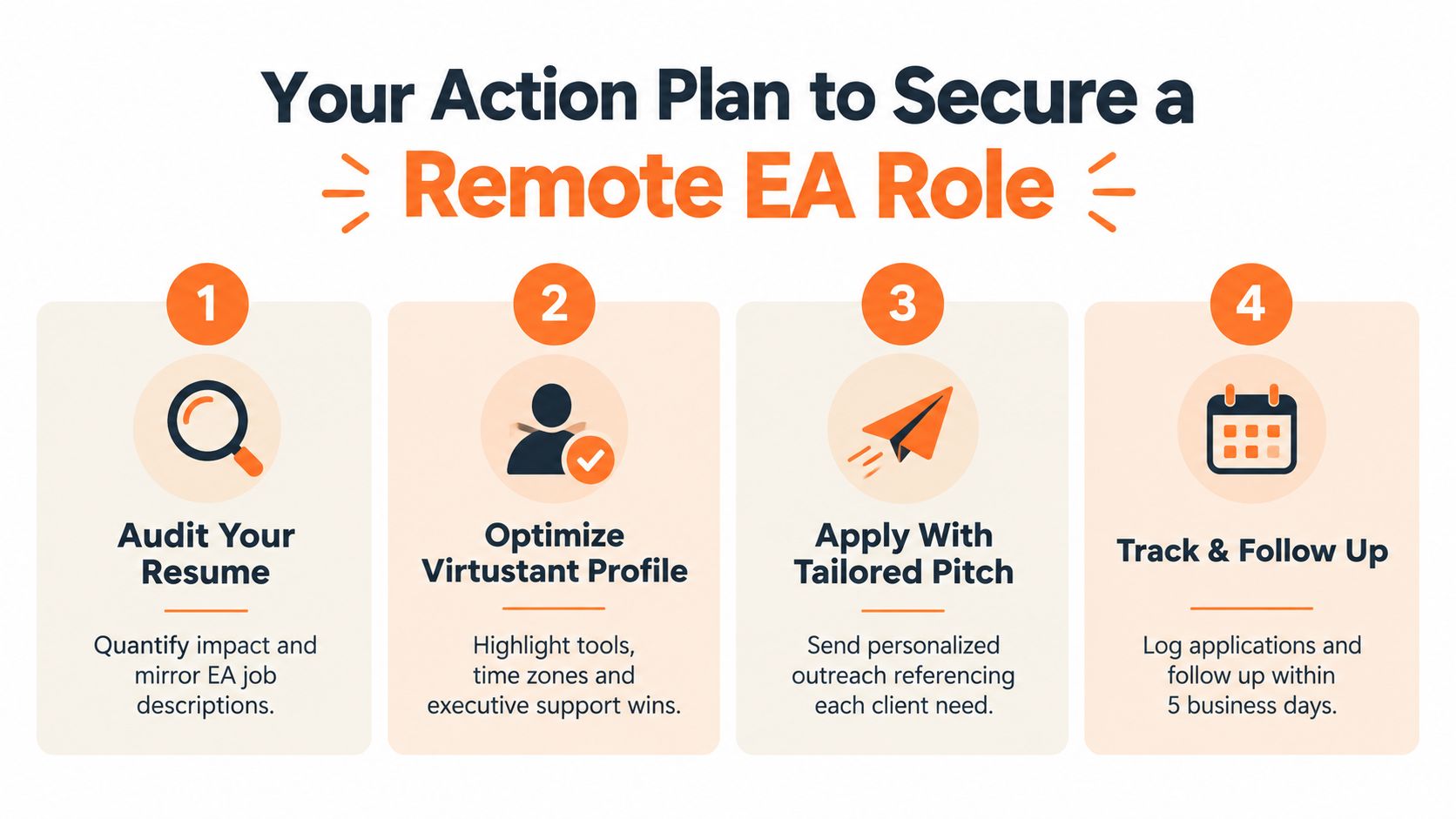
Use the South America time-zone guide to check how your location aligns with the schedules listed in job postings. The point isn't to hide your local time. It's to remove uncertainty and show that you plan around the executive's operating hours.
A professional handoff might read: “The client moved the Thursday review to 3 p.m. EST. The design lead confirmed the updated deck, but finance still needs to approve the forecast slide. I've assigned that follow-up to finance and will escalate if approval isn't received before Wednesday noon EST.” That message demonstrates timing, ownership, dependencies, and escalation judgment in a few lines.
Writing a Resume That Highlights Operational Impact
Your resume should make the reader understand what improved because you were involved. Replace task lists with evidence of control, judgment, and executive support. “Managed travel arrangements” is weak. “Coordinated multi-city travel, confirmed changes with stakeholders, and maintained a single itinerary for executive review” gives the hiring manager something concrete to evaluate.
The Bureau of Labor Statistics description of executive administrative duties includes research, statistical reports, information requests, correspondence, conference calls, and meeting scheduling. Use that breadth to expand your positioning beyond inbox and calendar work.
Rewrite each bullet around four elements
- Context: Identify the executive, department, client type, or operating environment you supported.
- Action: Describe the judgment-heavy work, such as prioritizing requests, coordinating stakeholders, or preparing decision material.
- Control: Explain the system you used, including a decision log, task board, approval rule, or documented checklist.
- Outcome: State the concrete result when you can verify it, such as fewer scheduling errors, faster follow-up, cleaner records, or more reliable reporting.
Examples of stronger phrasing:
- “Maintained executive calendars, resolved competing requests, and documented priority decisions across internal and external stakeholders.”
- “Prepared meeting briefs by consolidating agendas, background documents, open decisions, and assigned follow-ups.”
- “Handled confidential employee and client information through controlled folders, permission-based access, and clear escalation rules.”
- “Coordinated recurring reports and validated spreadsheet inputs before executive review.”
Don't add invented percentages, time savings, team sizes, or budgets. If you don't have a defensible number, use precise qualitative language. Accuracy builds more trust than an inflated metric that you can't explain in an interview.
Make AI-assisted tailoring accountable
AI can help identify repeated requirements in a job description and suggest clearer wording, but you remain responsible for every claim. A practical resource on tailoring your CV with artificial intelligence can support the editing process. Use it to improve alignment, not to manufacture experience or turn ordinary duties into unsupported achievements.
Your profile should also list actual working tools and proficiency with transparency. Separate “used regularly,” “used with supervision,” and “currently learning.” A hiring manager will trust a candidate who can explain how they used a tool more than one who lists every platform without examples.
Leveraging a Talent Pool for Cross-Border Matching
Scattered applications create a weak feedback loop. You submit a generic CV, wait, and rarely learn whether the problem was your English, time-zone availability, software experience, or the role itself. A structured talent pool gives you a place to present those details once, keep them current, and become discoverable for relevant openings.
The broader work environment supports this strategy. Stanford's Survey of Business Uncertainty reported that working from home accounted for about 20% of all paid workdays among U.S. employees in early 2025, while executives said approximately one-third of their workforces worked remotely at least one day per week (Stanford's remote-work findings). Companies that maintain distributed teams need support professionals who can operate through digital systems rather than depend on physical proximity.
What to include in your profile
Give a matching system useful information, not a generic biography:
- Target role: Executive Assistant, Executive Business Partner, Administrative Coordinator, or a related title.
- Executive scope: The seniority and functions you've supported, stated accurately.
- Tool depth: Calendar systems, spreadsheets, CRM platforms, project tools, communication software, and AI workflows.
- Schedule: Your EST availability, flexibility, and any firm boundaries.
- Communication: Written and spoken English level, plus experience with English-speaking stakeholders.
- Evidence: A few examples of calendar triage, confidential work, reporting, travel coordination, or project ownership.
Virtustant Jobs operates as a remote job platform with openings and a talent-pool option for candidates seeking cross-border opportunities. You can also study adjacent specializations, such as medical virtual assistance, to understand how administrative support can become more specialized and process-driven.
A talent pool won't replace preparation. It improves the quality of your presentation and can reduce dependence on cold applications. Complete every relevant field, use consistent job titles, and update your availability when your circumstances change. A profile that clearly communicates tools, schedule, English level, and executive-support experience gives a hiring team a reason to contact you.
Your Action Plan to Secure a Remote EA Role
Start with a focused audit, not another hour of scrolling through job boards. Remote executive assistant jobs go to candidates who make their operating ability visible before the interview begins.
Complete these actions in order
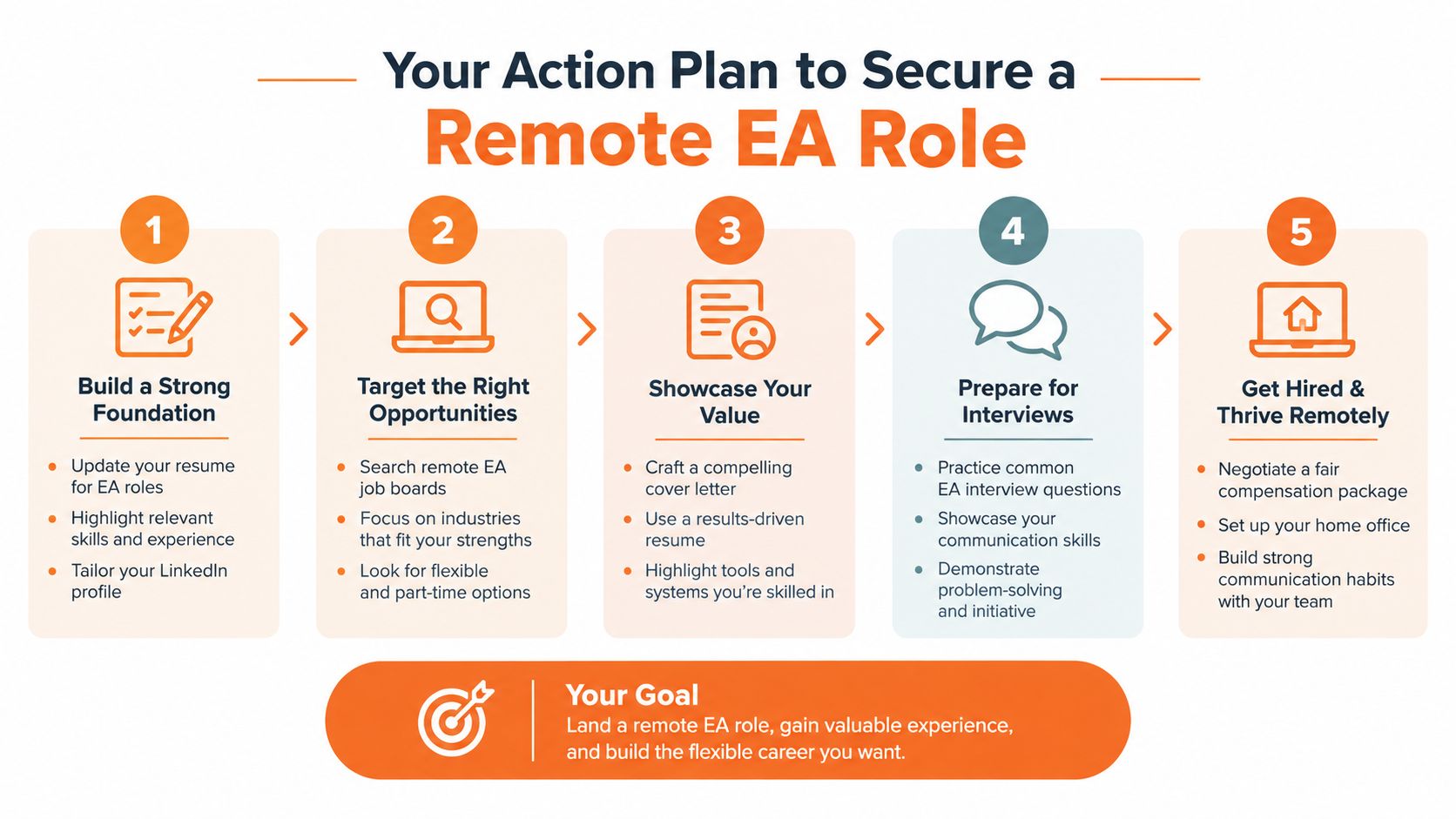
- Audit your resume. Remove generic claims and rewrite bullets around calendar judgment, confidential information, stakeholder coordination, research, reporting, and follow-up ownership. Keep every result truthful and explainable.
- Create an operational proof sample. Prepare a mock calendar-triage exercise, a concise executive briefing, a stakeholder email, and a follow-up tracker. Use fictional or sanitized information only.
- Clarify your cross-border setup. State your EST overlap, local working hours, English level, internet and workspace arrangements, and approach to confidential data.
- Complete your Virtustant profile. Add specific tools, executive-support examples, relevant industries, schedule details, and language information. Don't leave matching fields blank if they help a hiring team assess fit.
- Apply selectively and track outcomes. Compare each role's schedule, responsibilities, tools, and seniority with your profile. Maintain a simple log of applications, follow-ups, interview questions, and skill gaps.
Before accepting an interview, ask what the executive expects during EST hours, how urgent requests are escalated, which systems hold confidential information, and whether the position is strictly executive support or includes operations and project coordination. Those questions protect you from accepting a role with undefined availability and invisible responsibilities.
Prepare for a practical simulation. Resolve two calendar conflicts, prioritize several competing requests, draft a clear response, and explain what requires executive approval. Interviewers need to see how you think when information is incomplete, not just hear that you're organized.
Use this guide to finding remote work to broaden your search strategy, but keep your profile consistent across platforms. Your strongest application will connect your experience to the specific executive environment, schedule, communication style, and technology stack described in the posting.
Virtustant Jobs offers remote openings and a talent pool for professionals seeking executive assistant and related cross-border roles. Visit Virtustant Jobs to complete your profile, clarify your availability and skills, and apply for opportunities that match your operating strengths.