Work samples have a demonstrated predictive validity of 0.54 for job performance, compared with 0.27 for unstructured interviews. For remote graphic designer jobs, your portfolio is the strongest evidence that you can do the work, communicate clearly, and deliver without constant supervision.
You may be in Latin America, scrolling through listings after a full day of client work, wondering why a polished CV produces silence. The problem usually isn't your degree or your location. Hiring teams need proof that you can interpret a brief, make sound visual decisions, respond to feedback, and hand over production-ready files across borders and time zones.
The U.S. graphic-design market offers useful context. The Bureau of Labor Statistics reports 212,720 graphic designers employed in May 2023, with a mean annual wage of $64,700 and a median hourly wage of $28.32, equivalent to approximately $58,910 annually. Those figures aren't a promise of remote or international pay, but they give you a reference point when assessing seniority, specialization, and contract terms.
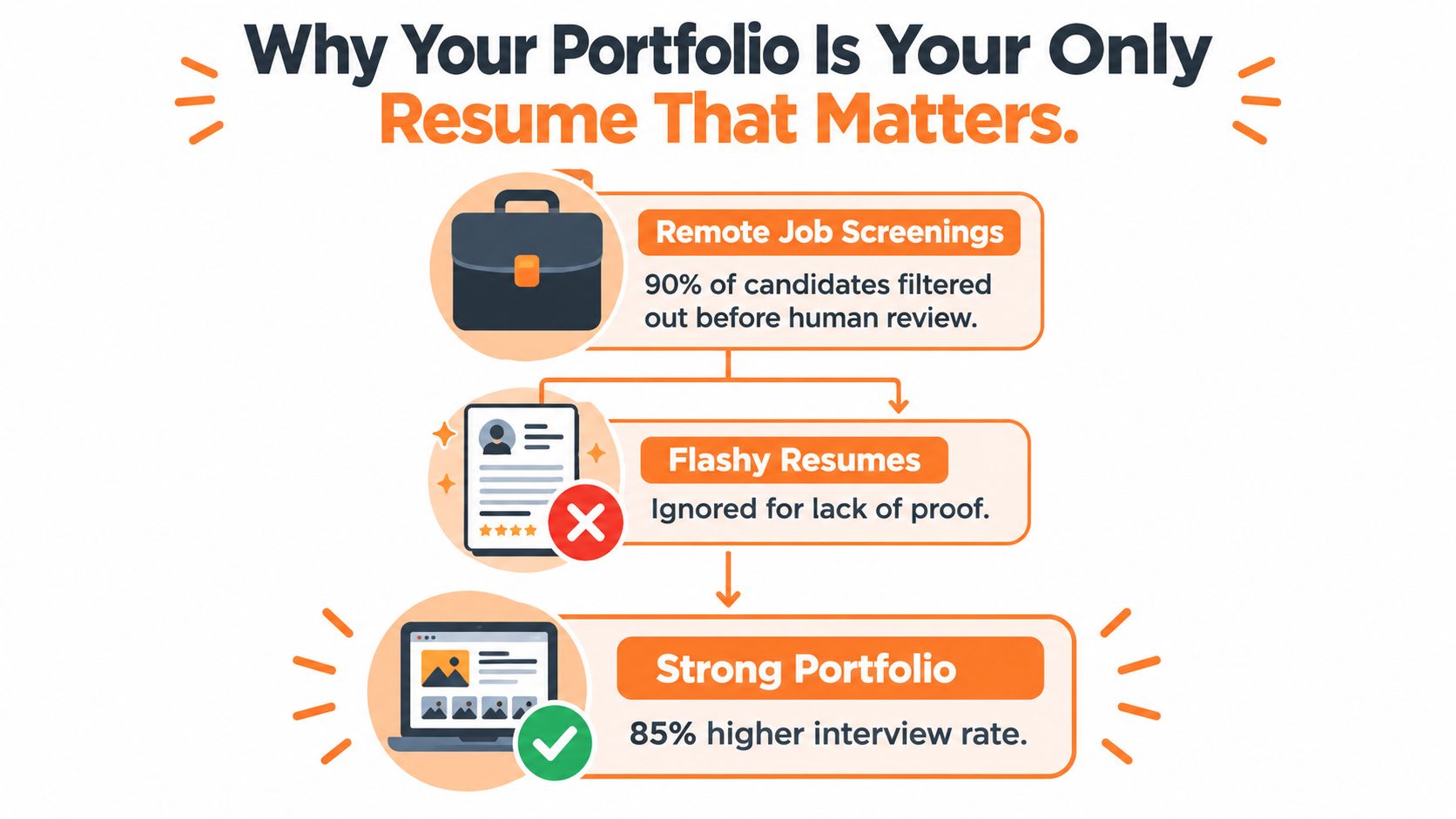
Why Your Portfolio Is Your Only Resume That Matters
A LATAM candidate can have an impressive title history and still lose the shortlist to someone with fewer years of experience. The difference is usually visible in the portfolio. A hiring manager wants to see whether you can solve the kind of visual problem the company needs solved now, not whether your CV contains every course you've completed.
Remote hiring intensifies that judgment. Employers can't observe how you handle a rushed request, clarify an unclear brief, or prepare files for another team member. They assess the artifacts you submit, so every project must show both visual craft and working behavior.
The evidence supports making work samples your first priority. Research summarized in the portfolio validity analysis reports a validity coefficient of 0.54 for work samples, compared with 0.51 for cognitive-ability tests and 0.27 for unstructured interviews. That doesn't mean interviews are irrelevant. It means your portfolio should make the interview easier by answering the employer's biggest question before the call.
Choose evidence instead of decoration
Select 3 to 5 projects that match the role you're pursuing. A social-media-heavy marketing position should see campaign assets, resizing systems, brand consistency, and performance context. A product-oriented role should see interface decisions, component thinking, and collaboration with product or development teams.
For every project, include:
- The brief: State the audience, business objective, deliverables, and approval owner.
- The constraints: Explain the deadline, brand rules, platform dimensions, accessibility needs, or technical limits.
- The iterations: Show an early direction, explain what changed, and identify whose feedback shaped the result.
- The final assets: Include the actual formats a team would use, not only attractive mockups.
- The outcome: Use a measurable result when you have one. If you don't, describe the concrete deliverable and how it supported the campaign, launch, or communication goal.
Recruiter's rule: A beautiful mockup earns attention. A documented decision earns confidence.
Before applying, score each case study from 1 to 5 for craft, role relevance, process evidence, accessibility, and communication. If a project scores poorly on process or communication, revise it before adding another decorative image. The strongest remote candidates show how they think, not just what they make.
Building a Remote-Ready Design Portfolio
A remote-ready portfolio reads like a compact project file. It lets a hiring manager understand the assignment without arranging a call to extract missing details. Start with the work that most closely resembles the target role, then remove projects that only demonstrate style without showing judgment.
Your project pages should include written rationale, version history, handoff specifications, and stakeholder feedback. These details prove that you can work asynchronously, where colleagues may review your work hours after you submit it. They also make your contribution legible to a recruiter who isn't a designer.
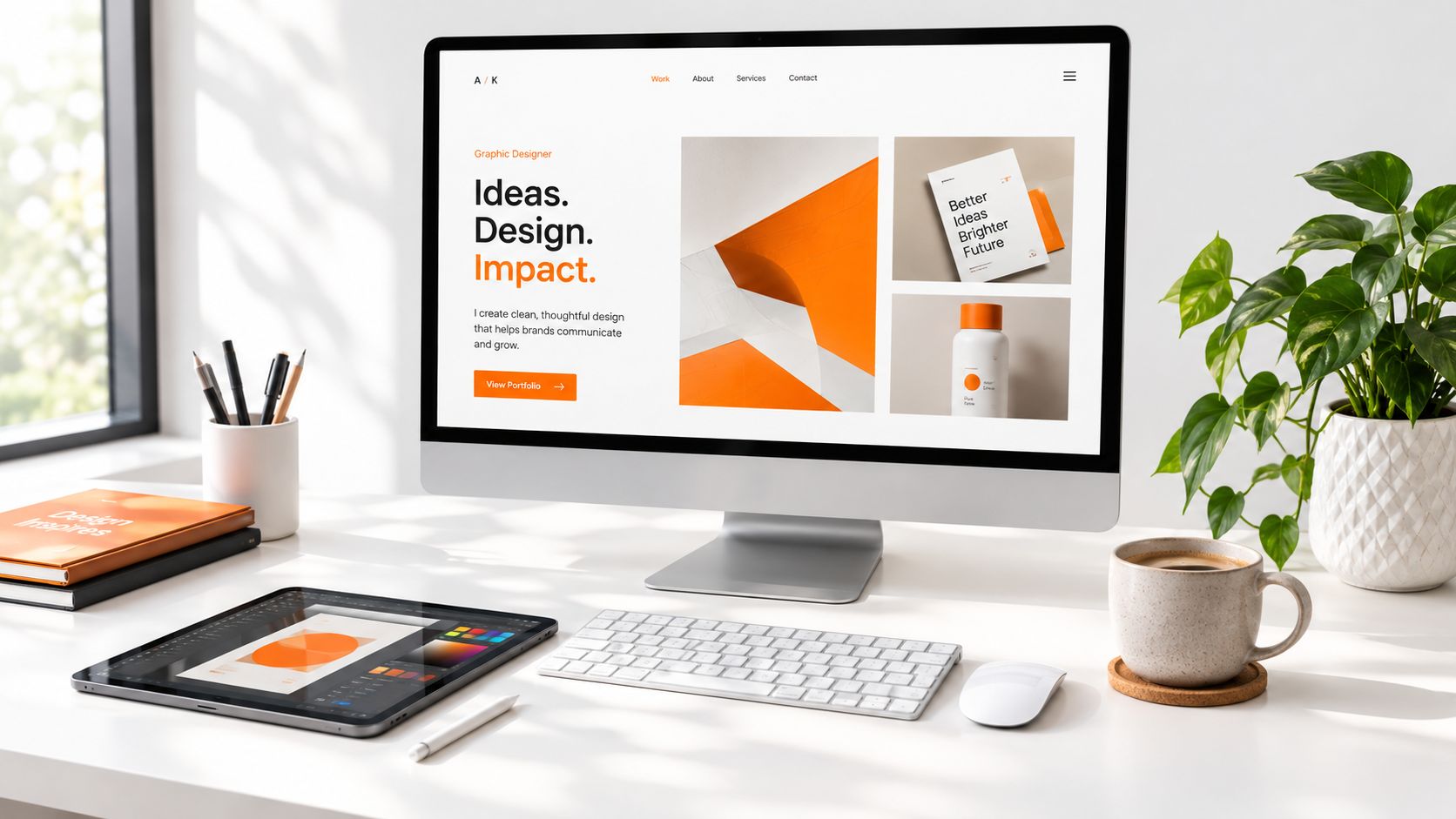
Show the production system
Your tools should support the story rather than dominate it. Depending on the role, demonstrate work made or organized in Figma, Photoshop, Adobe Firefly, Canva, or another relevant stack. Show how you prepared social assets, presentations, web graphics, brand systems, or advertising files for real use.
Use a clear folder and delivery structure:
- Concepts: Low-fidelity directions and the rationale behind each.
- Working files: Editable source files with organized layers and components.
- Linked assets: Images, illustrations, and other dependencies stored predictably.
- Licensing notes: Fonts and asset permissions recorded where relevant.
- Exports: Correct dimensions, color space, file types, and naming conventions.
- Change log: A short record of revisions, approvals, and unresolved questions.
For candidates building a broader creative profile, these social media manager portfolio examples can help you understand how to connect individual assets to a larger content workflow.
A strong entry should answer five questions:
- What problem did the client or team need to solve?
- What did you personally own?
- Which constraint influenced your design decision?
- How did feedback change the work?
- Could another designer use your delivered files immediately?
Use this video as a practical reference while organizing your presentation and file workflow.
Asynchronous Collaboration and File Control for Remote Designers
You send polished work at 6 p.m. in Bogotá, then wake up to five scattered comments across Slack, email, and Figma. That is how strong design gets stuck. Remote teams need graphical, textual, and verbal communication to replace the visual cues an in-person studio gets for free, as noted in research published by Heliyon on distributed design collaboration02535-X).
Set the rules before you design. Confirm the audience, dimensions, color space, accessibility requirements, naming conventions, deadline, and final approver in writing. Remote hiring managers notice this immediately because it signals that you can work across borders without creating extra follow-up.
Use an approval path that survives time zones
For LATAM designers, asynchronous discipline is not a nice extra. It protects your day. If your client is in New York and you are reviewing feedback after local business hours, one missing approval can delay the entire next cycle. Check the expected overlap against this South America time-zone guide before you accept a role with heavy live-collaboration demands.
Share low-fidelity concepts first. Get alignment on direction before you spend time polishing. Keep one source of truth for active files, comments, and approvals, because remote projects break when feedback is split between messages, meetings, and email threads.
Your handoff should include:
- Editable source files with organized layers, components, and sensible names.
- Linked assets plus any required fonts or licensing notes.
- Export presets or repeatable instructions for future outputs.
- Final approved exports in the requested formats and dimensions.
- A concise change log that shows what changed and what is still open.
A documented Microsoft Research finding cited in the same Heliyon research reports that approximately 30% of remote meetings include email multitasking and about 25% include file multitasking. Act on that reality. Put decisions in searchable written channels. Use meetings to resolve real trade-offs, not to reconstruct missing context.
Weak file control costs LATAM candidates callbacks because employers assume cross-border collaboration will be slower. Prove the opposite. Study PDFWix design workflow solutions if you need a cleaner system for organizing documents, exports, and delivery files.
AI Readiness and Platform Strategy for LATAM Candidates
AI literacy is becoming part of the design screening conversation, but “I use AI” isn't a portfolio skill. Employers need to see judgment: how you direct a visual concept, preserve brand consistency, edit generated material, test variations, and disclose assisted work.
Industry reporting indicates that AI proficiency appeared in about 67% of graphic-design job descriptions in late 2025, compared with 12% in 2023, while more than 80% of surveyed designers considered learning AI essential to future success, according to industry reporting on remote graphic-design jobs. Treat those figures as a hiring signal, not as a reason to abandon conventional fundamentals.
Adobe's 2024 State of Creativity report found that 82% of creatives surveyed were already using generative AI and intended to continue, while 74% said it helped them work more efficiently. The same report says 44% of creatives spend half their working week on repetitive design tasks and 71% experience project-management difficulties. Your portfolio should show how you reduce repetitive work without lowering quality.
Turn AI use into evidence
Document the prompt iteration, selection criteria, retouching, typography corrections, accessibility checks, and brand review behind an AI-assisted asset. Include the original direction and the finished production file when appropriate. A generated image without art direction looks like a shortcut. A controlled workflow shows competence.
| Competency Area | What to Prepare | Platform Action |
|---|---|---|
| AI-assisted production | One case study showing prompting, editing, review, and disclosure | List relevant AI tools accurately |
| Brand judgment | Before-and-after examples with rationale | Match portfolio projects to role requirements |
| Production software | Figma, Photoshop, Adobe Firefly, Canva, or role-specific tools | Complete the software fields in your profile |
| Async delivery | Written brief, revisions, handoff package, and change log | Describe your communication process |
| English collaboration | Clear project explanations and interview vocabulary | State your English level honestly |
Use Virtustant Jobs as one route for finding remote openings and submitting standardized candidate applications. Create an account, review the design requirements in each listing, and align your profile with the tools, schedule, language level, and deliverables the role names.
Understanding Cross-Border Compensation and Contract Terms
You get an offer from a U.S. company, the monthly number looks better than local market pay, and then the details start eating the margin. Contractor status, unpaid holidays, wire fees, exchange-rate swings, and late-night overlap can turn a decent headline figure into a weak deal fast. LATAM designers get filtered out here all the time, not because they lack skill, but because they discuss the rate before they define the terms.
Use U.S. salary data as context, not as your target by default. The Bureau of Labor Statistics occupational data gives a U.S. reference point, while a 2025 compensation market PDF reports a U.S. median graphic-design wage of roughly $61,300 annually for 2024, typical freelance rates of approximately $25 to $75 per hour, and a LATAM benchmark of around $1,800 to $2,600 per month. Those figures are only starting points. They do not define scope, seniority, benefits, schedule control, or tax treatment.
Ask one question first. What does this number include?
A monthly contractor payment can exclude paid leave, equipment, software, transfer costs, and employer contributions. It can also assume async availability across U.S. business hours without paying for the inconvenience. If the company wants a LATAM hire because async collaboration lowers operating friction, that value should show up in the agreement, not just in the job post.
Compare the whole agreement
Negotiate from business impact. If you handle brand systems, ad production, motion, handoff discipline, AI-assisted workflows, or marketing assets tied to performance, say so plainly. Cross-border hiring often starts with geography-based pricing. Strong candidates shift the conversation to ownership, speed, reliability, and the amount of oversight they save the team.
Clarify these points in writing:
- Gross or net: Is the quoted amount before your taxes and mandatory contributions?
- Currency and payment: Will payment arrive in USD or local currency, and who absorbs transfer or conversion fees?
- Contractor obligations: Are you responsible for registration, invoicing, insurance, or tax reporting?
- Availability: What hours must overlap with the U.S. team, and is availability outside those hours paid?
- Leave and holidays: Are paid holidays, sick leave, or vacation included?
- Equipment: Will the company provide hardware, software licenses, or a home-office allowance?
- Revisions: How many revision rounds are expected before a new request becomes separate work?
- Overtime: Who approves additional hours, and how are they paid?
Vague flexibility is not compensation. Clear payment terms, revision limits, overlap expectations, and termination notice are.
Creating Your Virtustant Profile and Applying to Remote Design Roles
Your application should make the hiring decision simple. Start with a focused profile that names your design specialization, strongest software, English level, location, availability, and preferred work structure. Then upload the portfolio that matches those claims. If your profile says brand design but your samples only show unrelated social posts, the mismatch weakens your application.
Build the profile around the role
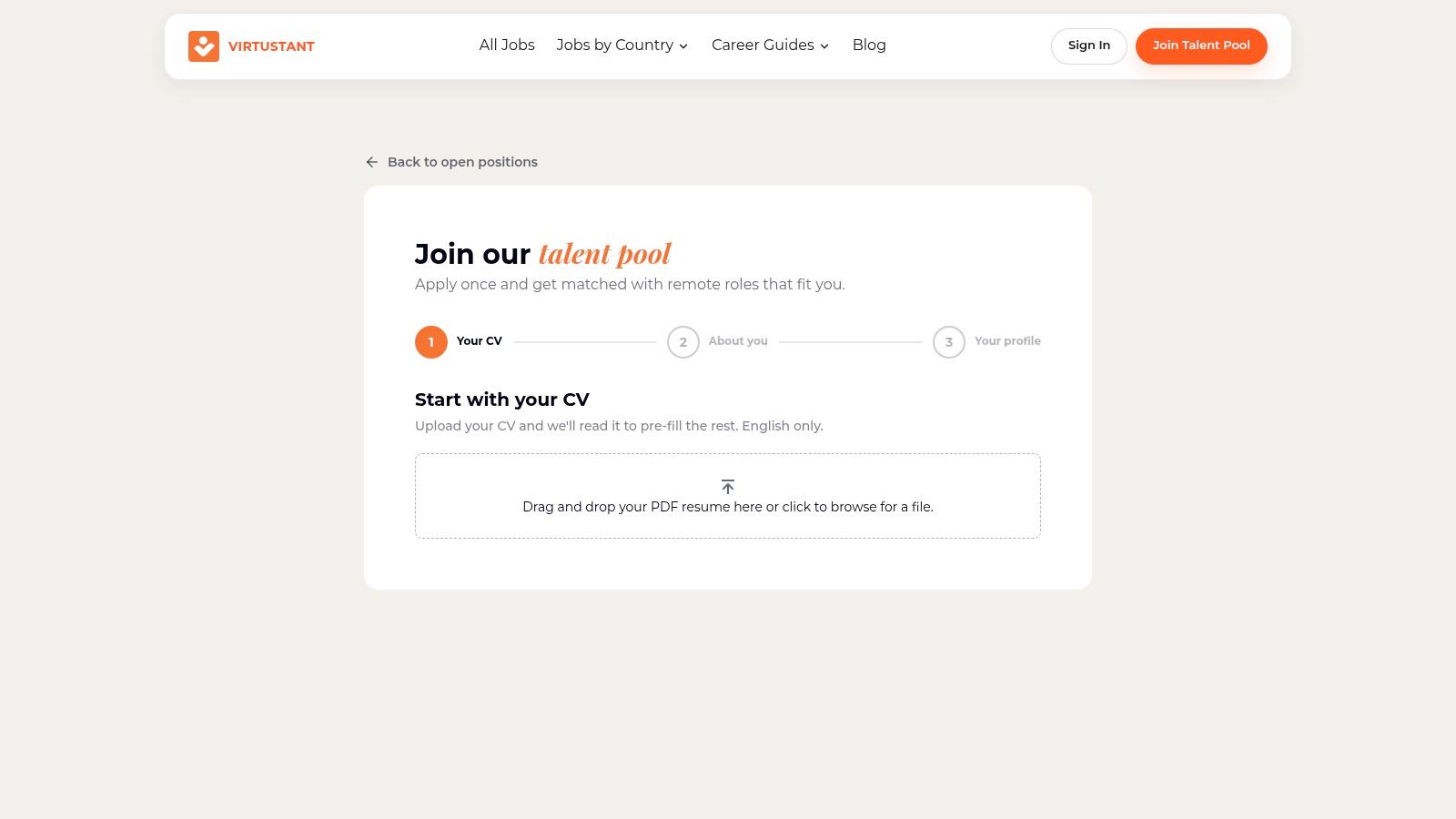
- Create your candidate account: Use the Virtustant talent registration page to enter your professional information and upload your CV or resume.
- Present relevant work: Add three to five case studies, prioritizing projects that resemble the responsibilities in the listing. Include process evidence, not just final images.
- State availability clearly: Identify your time zone, preferred schedule, and willingness to overlap with U.S. working hours when required.
- Complete every application field: Confirm software proficiency, English level, experience, and role alignment before submitting. Incomplete answers create avoidable doubt.
- Use Easy Apply: The platform's short form is designed to be completed in under five minutes, but speed shouldn't replace accuracy.
- Join the talent pool: Optional enrollment allows your information to be considered for suitable future openings as needs arise.
Browse current remote openings with the same discipline you'd use to review a creative brief. Check responsibilities, software, schedule, language requirements, employment type, and payment notes before applying. The guide to sites for finding remote work can also help you compare different search channels without relying on a single source.
Before you submit, open your portfolio on a phone and a laptop, test every link, and confirm that your strongest project appears first. Remove unfinished drafts, unexplained mockups, and files that require the reviewer to guess what you contributed. Your profile, CV, portfolio, and application answers should tell one consistent story about the designer you are ready to be.
Virtustant Jobs connects qualified candidates with remote opportunities and provides structured listings, candidate profiles, Easy Apply applications, and optional talent-pool enrollment. Create your Virtustant Jobs profile, browse current design openings, and complete your application information so hiring teams can assess your work without unnecessary friction.